Upload Photos
The photographer uploads the full event photo collection.
From thousands of event photographs to a personalised gallery in seconds.
DigitalHugs combines large-scale photo management with AI-powered face recognition to help event attendees discover their own photographs without manually searching through hundreds or thousands of images.
A Heavens Web Solutions product.

DigitalHugs (digitalhugs.in) is a Heavens Web Solutions product built around a specific, high-friction moment: an event ends, a photographer has thousands of photographs, and every attendee just wants to find the ones they are actually in. This case study looks specifically at that AI photo delivery and search experience - not the studio and business-management side of the product, which is covered in a separate case study.
After a large event, a photographer may be holding 1,000, 5,000 or even 10,000+ photographs. An attendee does not want to browse that library - they want to be shown the photos they appear in. Traditional delivery methods force people through a slow, manual process that frustrates attendees and creates support work for photographers.
DigitalHugs applies AI face recognition to the entire event library, so an attendee can upload a single selfie and be matched instantly against every photo they appear in - turning a slow manual search into a personalised gallery that is ready in seconds.
The result is a photo delivery experience that feels closer to a modern AI product than a traditional gallery download - built to save attendees time, reduce support load for photographers, and make finding yourself in an event gallery feel instant.
The photographer uploads the full event photo collection.
The library is processed so every photo becomes searchable by who is in it.
The AI identifies the faces appearing across the event photographs.
An attendee selfie is matched against faces found in the collection.
Matching photographs are grouped against that attendee.
A gallery containing just their photos is ready to view.
The gallery can be viewed, downloaded or shared immediately.
A modern upload workflow designed around large event photo libraries, not single-image uploads.
A single event breaks down into the moments people actually search for.
This is the core of the product: matching a single selfie against an entire event library.
Presented at a product-experience level - this case study does not claim a specific AI model, embedding architecture or matching algorithm.
The point is to turn a library of thousands of photos into a short, relevant result set in seconds, not minutes of scrolling.
“Searching 8,426 event photos… 42 matching photos found.”
A short, physical-to-digital path so guests can go from "at the event" to "viewing my photos" in a few taps.
The goal is to remove the waiting and searching traditionally involved in event photo delivery.
“Your photos are ready — 42 photos found.”The experience is not designed for attendees alone - it needs to work for the person running the event.
AI handles discovery, but photographers and clients still control what actually gets delivered.
Personal photographs are sensitive by default, so who can see them needs to stay under the photographer's control.
Reflects what the current DigitalHugs site and privacy policy describe (encrypted storage, controlled server environments, SSL). No specific certifications or security standards are claimed beyond what is documented.
These figures are illustrative interface data used to demonstrate the experience at scale, not production metrics from the live platform.
A simplified, conceptual view of how a photo moves from upload to a shared, personalised gallery - not a disclosure of DigitalHugs' actual infrastructure.
Labeled here as a conceptual product architecture. It demonstrates technical understanding of the workflow without claiming a specific AI model, vector database, cloud provider or API architecture.
AI does not replace the photographer here - it removes the manual search work so their time goes toward the work that actually needs a human.
The direction leans more technical than a typical portfolio case study - dark, dashboard-style, built around AI and search - without tipping into sci-fi cliché.
Large, photography-led sections for the human side of the product
Dark, dashboard-style screens for the AI and search side
Gallery grids as a recurring visual motif
Glass and gradient effects used sparingly, not on every screen
Simple, restrained charts for scale and search data - not chart-heavy for its own sake
Modern typography with generous spacing
The attendee experience - selfie upload, search, results, gallery, download and share - was designed mobile-first, since that is how guests actually use it at an event. The photographer/admin experience stays optimised for desktop and tablet, where library management happens.
Faster photo discovery for attendees, replacing manual scrolling with a single selfie upload.
Less support burden on photographers from guests who cannot find their own photos.
A more shareable moment - a fast, personal gallery is easier to post and pass on than a generic album link.
A workflow that stays usable as event libraries grow into the thousands.
Expected outcomes based on the redesign strategy — not measured results from the live website.


 Real Project
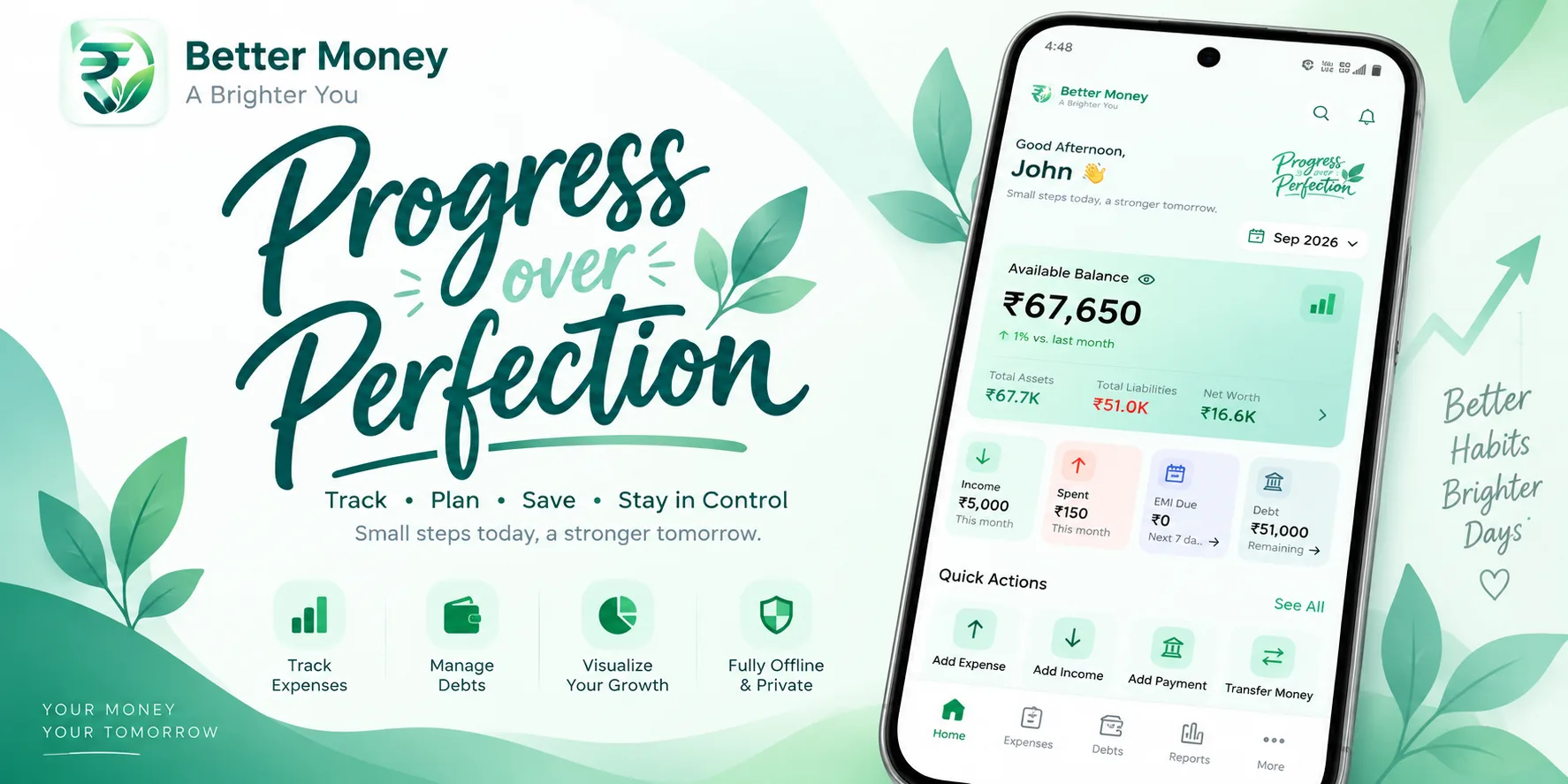
An offline-first personal finance and debt-tracking app that replaced a household's spreadsheet - no backend, no account, and no network connection ever required to be trustworthy.
Start a conversation about your business requirements.